- Version 1.0.0 is Live
Product Tag Sync for Hubspot
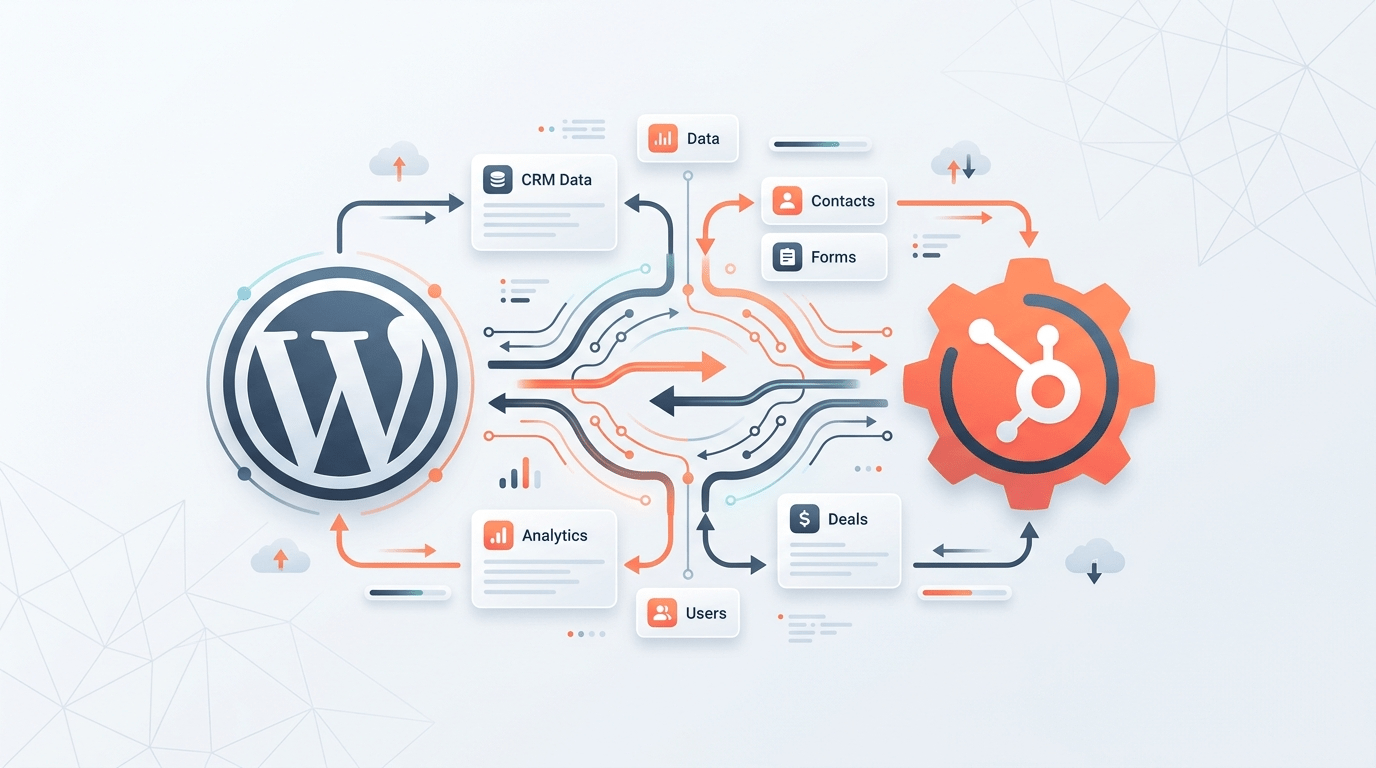
Seamlessly synchronize WooCommerce purchase data to HubSpot contact tags. The professional way to automate your CRM segmentation.
MF
WP
Trusted by growing stores
Developed by Muhammad Faizan
Version
1.0.0
Updated
4 Days Ago
Installs
< 10
WP Version
6.0+
PHP Version
7.4+
A Seamless 3-Step Setup
Stop manual segmenting. Let our plugin handle the sync while you focus on your business growth.
Map Products
Connect WooCommerce products to specific HubSpot checkbox values in our intuitive UI.
Customer Orders
The plugin detects line items automatically the moment a customer completes a purchase.
Tags Appended
HubSpot contacts are instantly updated, appending new tags without overwriting existing data.
Advanced Performance
Engineered for reliability, security, and developer-friendly performance.
Automatic Sync
Real-time contact sync on order processing ensures your CRM always has the freshest purchase data.
No-code Admin UI
A clean, visual mapping interface that requires zero technical knowledge to set up and manage
Duplicate Prevention
Integrated validation logic prevents identical tag assignment, keeping your contact records clean.
Connection Test
One-click API validation ensures your sync is healthy and authorized before you go live.
Background Tasks
Uses Action Scheduler to move sync tasks to the background, preventing checkout slowdowns.
Encrypted Storage
Your API tokens are encrypted at rest and never exposed on the frontend for maximum security.
Advanced Filters
Easily manage mappings even in stores with thousands of products with built-in search and filtering.
- Technical Specification
HubSpot API Requirements
Configure your HubSpot Private App with these essential OAuth scopes to enable real-time synchronization.
crm.objects.contacts.read
crm.objects.contacts.write
crm.schemas.contacts.read
Technical Tip
Ensure you have created a 'Multiple Checkboxes' property in HubSpot to store the mapped product tags
hubspot-sync.php
// Sync request
$hubspot = new HubSpotClient($api_key);
$data = [
’email’ => $customer_email,
‘properties’ => [
‘purchased_tags’ => $mapped_tags
]
];
$hubspot->contacts->update($data);
Your Data, Your Control
This plugin communicates directly with api.hubapi.com. We prioritize your privacy: No customer data is stored on external third-party servers. All synchronization happens strictly between your WordPress installation and your HubSpot account.
GDPR Compliant
Direct Connection
Frequently Asked Questions
Does this work with variable products?
Yes, you can map specific tags to top-level products or individual variations to ensure granular tracking of customer behavior.
Can I test the connection before going live?
Absolutely. The settings page includes a ‘Test Connection’ button that validates your API Key and required scopes in real-time.
Will it overwrite existing tags in HubSpot?
No. The plugin uses HubSpot’s property update logic for multiple-checkboxes which appends new values while preserving existing ones.
Is there any logging for debugging?
Yes, all API interactions and background jobs are logged to the standard WordPress debug log if enabled.
Ready to automate your segmenting?
Join the growing community of smart WordPress store owners today.

WP Growth Pro
Optimizing WooCommerce stores with high-performance utilities and seamless CRM integrations since 2024.